
Learn
AI-powered digital profiles, explained.
Short, direct answers about how vKard works, what each feature does and when to use it. Looking for quick answers? Visit the FAQ.
Features
 Feature
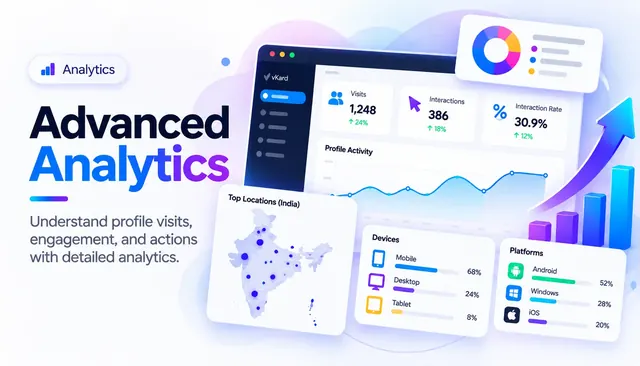
Advanced Analytics: turn profile traffic into insights
vKard Advanced Analytics shows profile visits, interactions and engagement so you can see what visitors do and improve your AI-powered digital profile.
Read more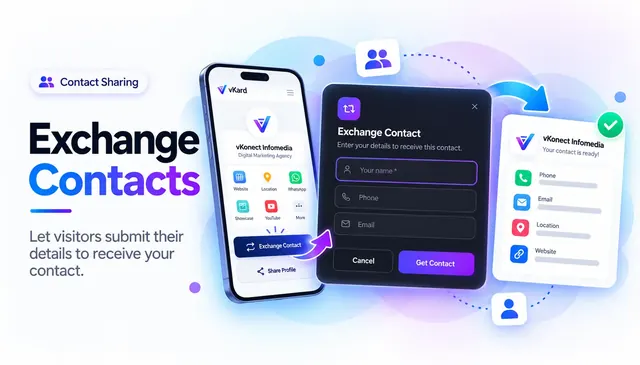 Feature
Exchange Contacts without manual follow-up
vKard Exchange Contacts lets visitors submit their details and receive yours straight from your digital profile, with no manual follow-up needed.
Read more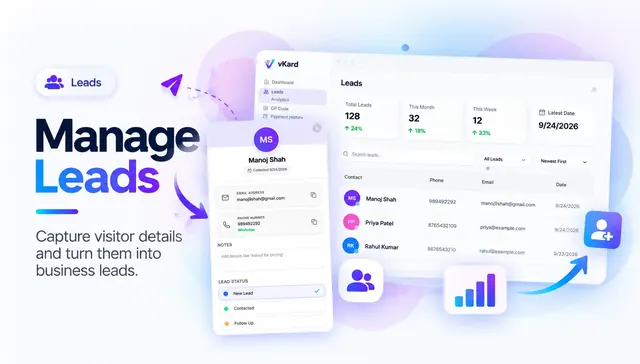 Feature
Leads: turn profile visitors into business leads
vKard Leads captures visitor details from your digital profile and organises them as business leads with notes and status, ready for follow-up.
Read more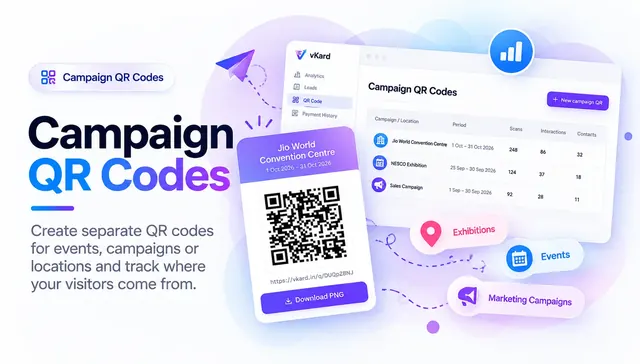 Feature
Campaign QR Codes: measure where your QR traffic comes from
Create separate vKard QR codes for events, exhibitions and campaigns, and track scans, interactions and contacts for each source.
Read more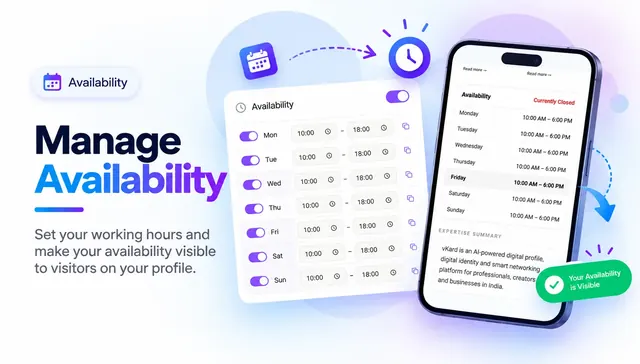 Feature
Availability: show when you can be reached
Set weekly working hours in vKard and show visitors your availability on your profile, so they know when to call, message or book you.
Read more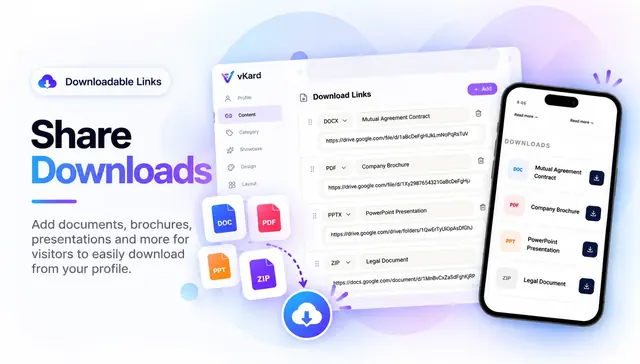 Feature
Downloadable Links: put your resources in one place
Add brochures, PDFs, presentations and other files to your vKard profile so visitors can download them directly, without separate messages.
Read more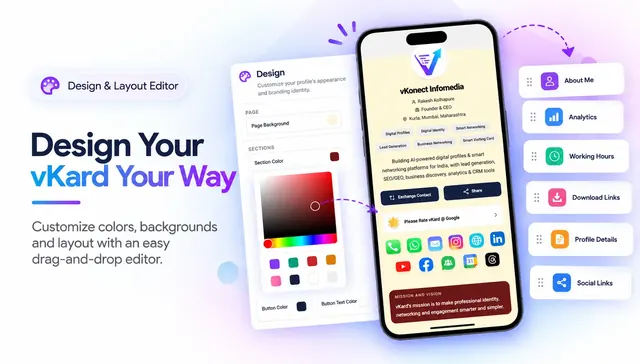 Feature
Design & Layout Editor: a profile that looks like your brand
Use the vKard Design & Layout Editor to customise colours, backgrounds and section order with drag and drop so your profile matches your brand.
Read more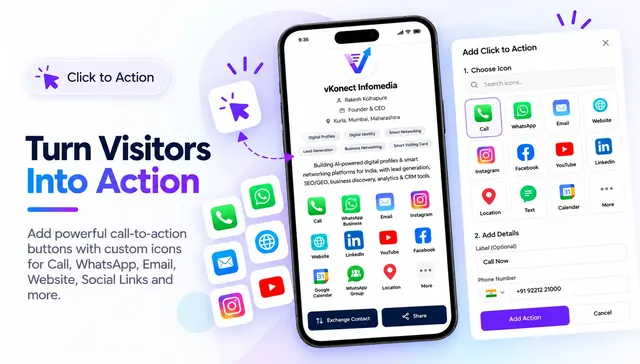 Feature
Click to Action: turn attention into immediate action
Add call, WhatsApp, email, website, social and location buttons to your vKard profile so visitors can act in one tap.
Read more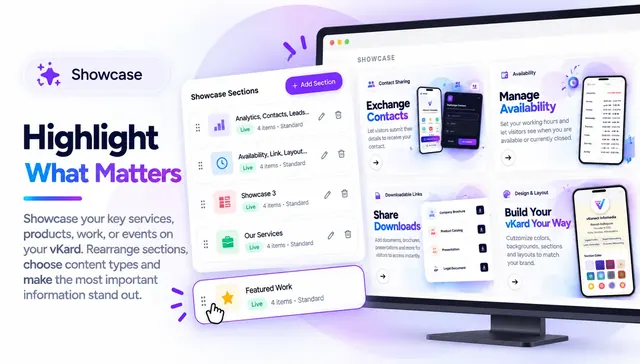 Feature
Showcase: turn your profile into a visual portfolio
vKard Showcase lets you present services, products, projects and featured work as rearrangeable sections on your digital profile.
Read more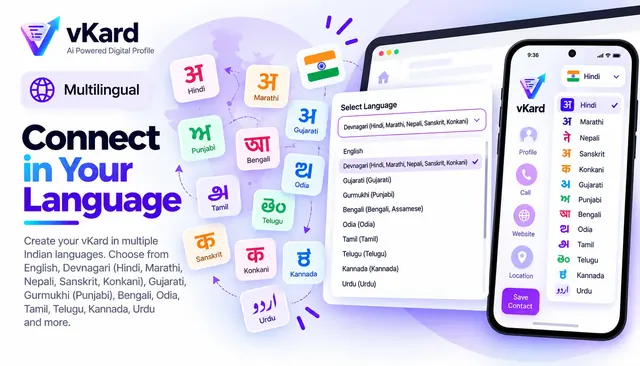 Feature
Multilingual: speak to your audience in their language
Create your vKard in Hindi, Marathi, Gujarati, Tamil, Telugu and other Indian languages to reach regional audiences in their own script.
Read more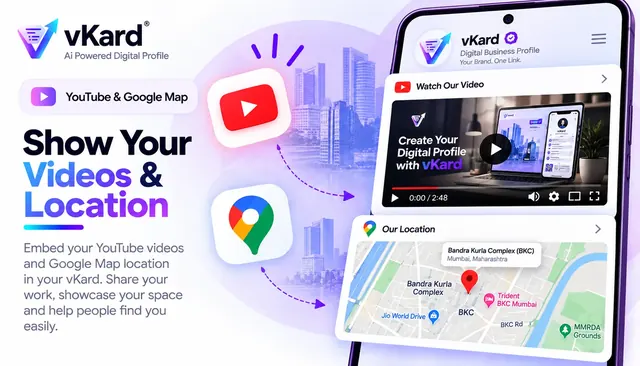 Feature
YouTube & Google Map Embed: videos and location on your profile
Embed a YouTube video and a Google Map on your vKard profile so visitors can watch your story and find your business location easily.
Read more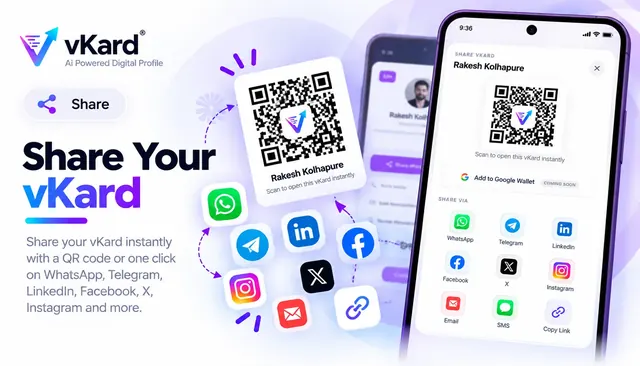 Feature
Share: send your digital identity everywhere
Share your vKard profile with a QR code or one tap on WhatsApp, Telegram, LinkedIn, Facebook, X, Instagram, email, SMS or a copied link.
Read more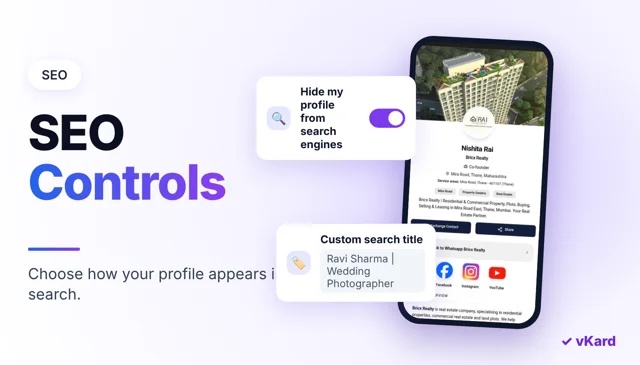 FeatureNew
SEO controls: decide how your profile appears in search
vKard's SEO tab lets you hide your profile from search engines on paid plans and, with Advanced SEO, write your own search title, description and share image.
Read more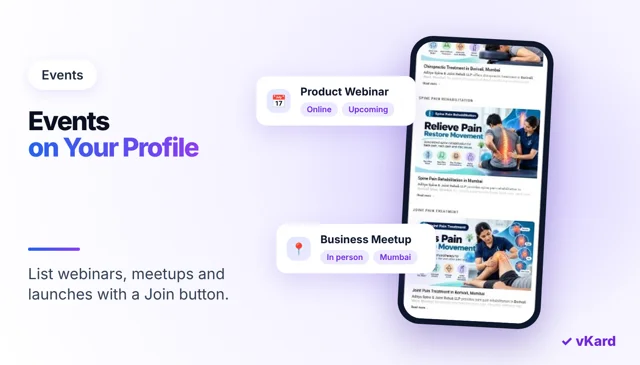 FeatureNew
Events: promote webinars, meetups and launches on your profile
Add events to your vKard profile with date, time, venue or an online Join link. Upcoming events show first and are published as structured data for search.
Read more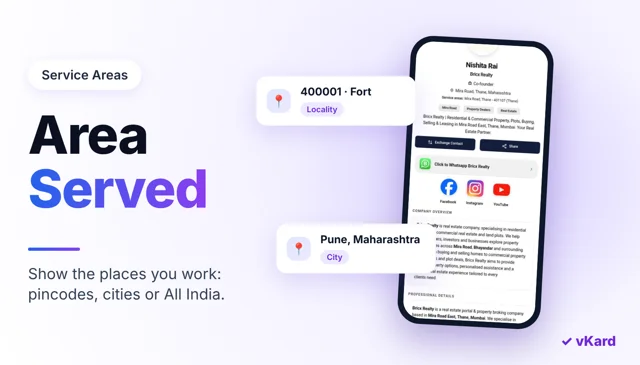 FeatureNew
Area Served: show the places you work in
Area Served lets you list the pincodes, localities and cities you serve, or All India, so customers and search engines know where you work.
Read more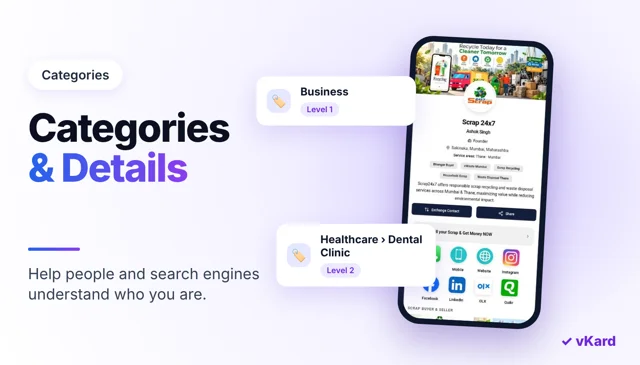 FeatureNew
Categories: help people and search engines understand you
Every vKard profile is listed in a category. Learn how the category tree works, why it matters for search, and what category-specific details add.
Read more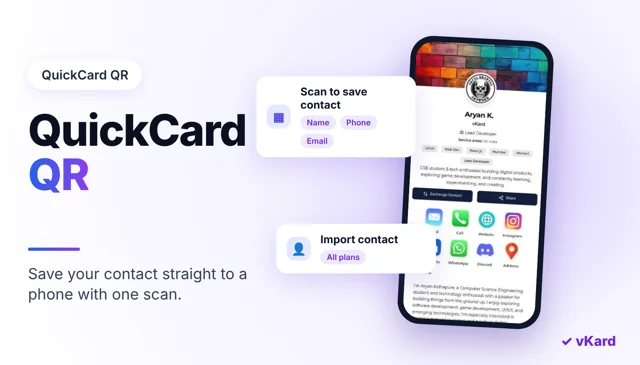 FeatureNew
QuickCard QR: save your contact with a single scan
QuickCard QR holds your essential contact details so a phone camera offers to save you as a contact instantly. Learn how it differs from your Profile QR.
Read more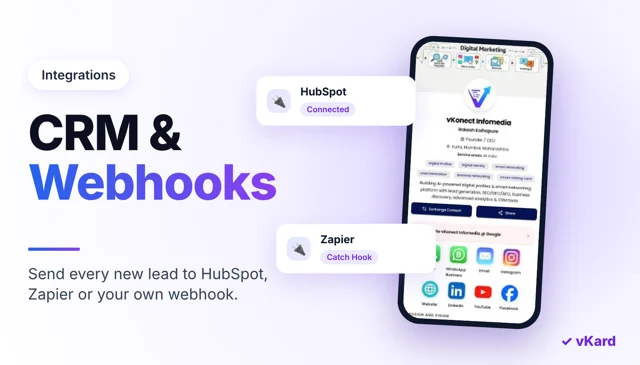 FeatureNew
CRM and webhook integrations: send leads where you work
Send every new vKard lead to HubSpot, Zapier or your own webhook automatically, with signed requests, a delivery log and a test button.
Read more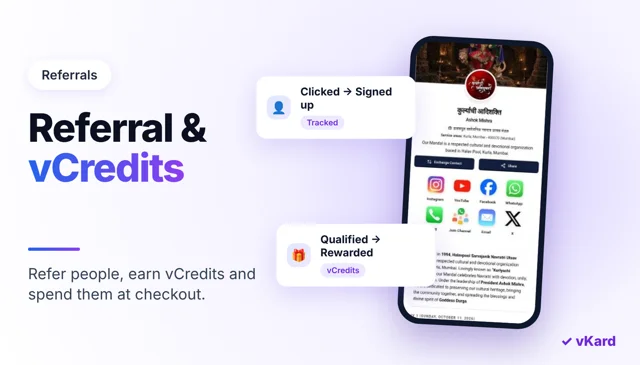 FeatureNew
Referral program and vCredits: earn by recommending vKard
Apply to the vKard referral program, share your link and earn vCredits when people you refer buy a paid plan. Spend them at checkout on any payment method.
Read more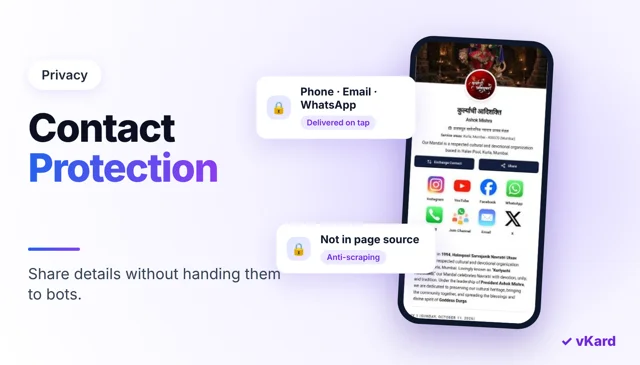 FeatureNew
Contact protection: share details without handing them to bots
vKard keeps phone numbers, emails and messaging links out of the public page source and delivers them on tap, making bulk scraping by bots much harder.
Read more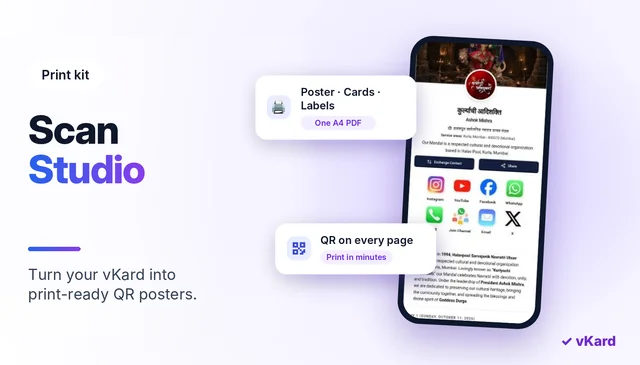 FeatureNew
Scan Studio: print-ready QR posters and counter signs
Scan Studio builds a print-ready kit from your vKard: an A4 poster, counter signs and cut-out labels, each with your QR code, ready to print in minutes.
Read more
Guides
 Guide
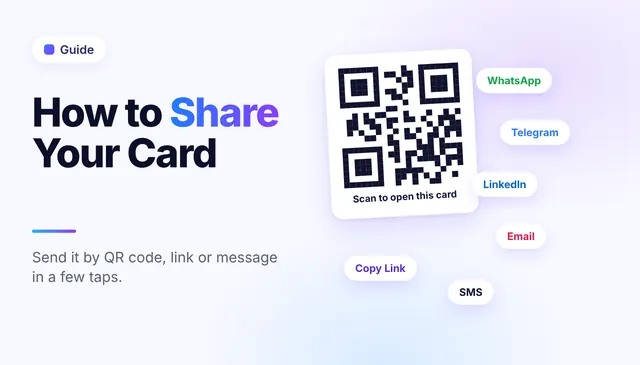
How to share a digital visiting card
Ways to share a digital visiting card or online profile: link, QR code, messaging apps and save-to-contacts, and when each one works best.
Read more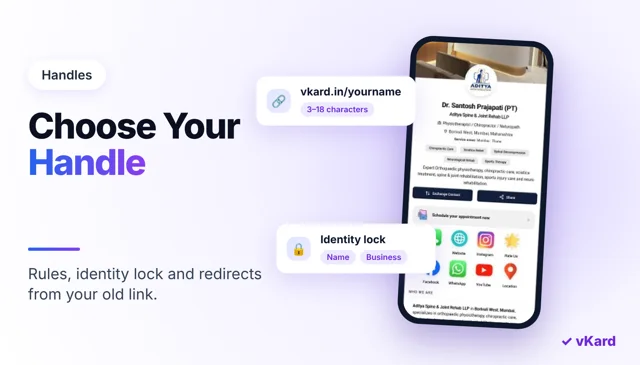 GuideNew
How to choose your vKard handle, and what the identity lock means
Handle rules, Free vs paid handles, the identity lock on name and business fields, 30-day changes and automatic redirects from your old link.
Read more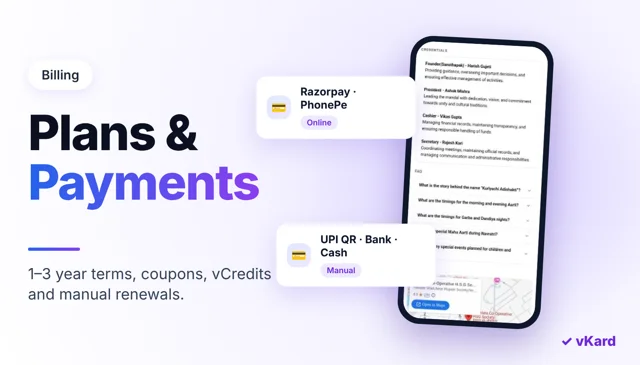 GuideNew
Plans, payments and renewals: how vKard billing works
How per-card plans, 1-3 year terms, coupons, vCredits, manual payments, renewals, the 3-day refund window and cancellation work on vKard.
Read more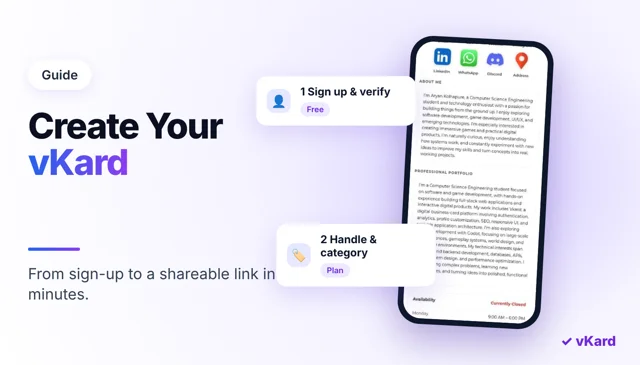 GuideNew
How to create your vKard in minutes
Step-by-step guide to creating a vKard digital profile: sign up, pick a handle and category, add your details, design it and share your link and QR code.
Read more
Use cases
 Use case
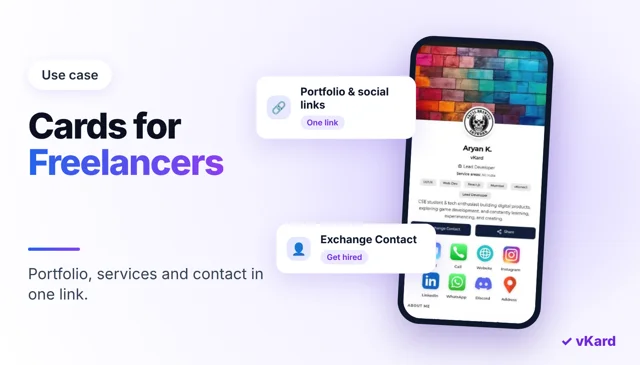
Digital visiting cards for freelancers
Why freelancers use a digital visiting card or online profile: one link for portfolio, services and contact details that you can update without reprinting.
Read more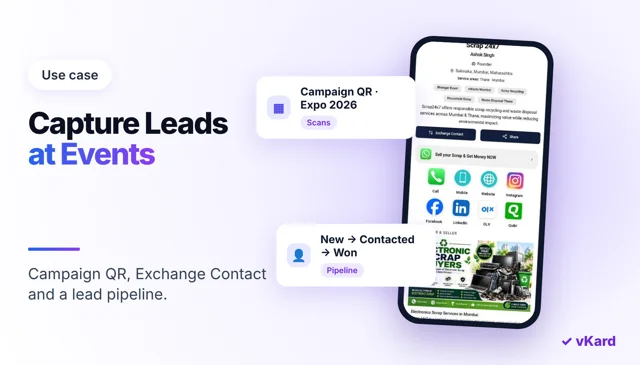 Use caseNew
How to capture and follow up leads at events and exhibitions
Use a Campaign QR Code and Exchange Contact to collect visitor details at events, then track every lead through New, Contacted, Follow Up and Won.
Read more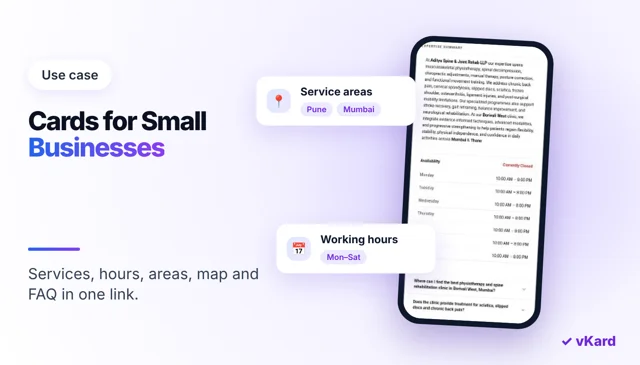 Use caseNew
Digital profiles for small businesses and local services
How shops, clinics, agencies and local service providers use a vKard: service areas, working hours, FAQ, map, showcase and leads in one shareable profile.
Read more
Glossary and comparisons
 Glossary
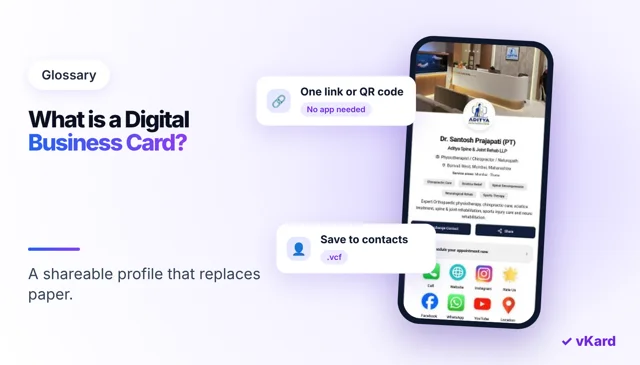
What is a digital visiting card (digital profile)?
A digital visiting card, or digital profile, is an online page that replaces a paper contact slip, shared by link or QR code. See how it works and what it has.
Read more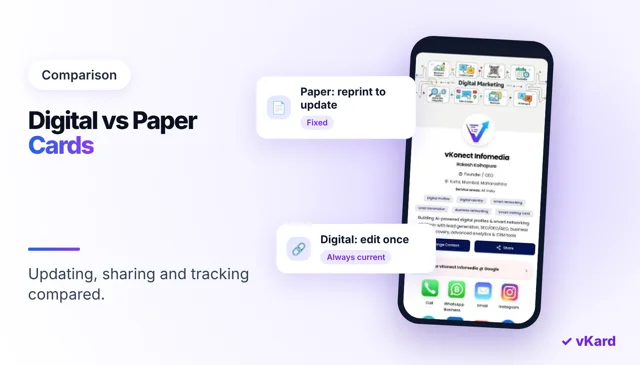 Comparison
Digital vs paper visiting cards
How digital visiting cards and paper contact slips compare on updating details, cost of reprints, sharing, tracking and the first impression they make.
Read more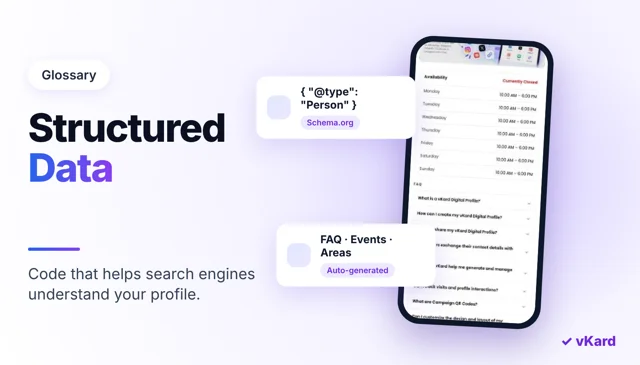 GlossaryNew
What is structured data, and how vKard uses it for your profile
Structured data (Schema.org) is code that tells search engines what a page is about. See what vKard generates automatically for your digital profile.
Read more
Ready to create
your vKard?
Create a digital profile that makes it easier for people to discover you, connect with you, and take the next step.