
Feature
Scan Studio: print-ready QR posters and counter signs
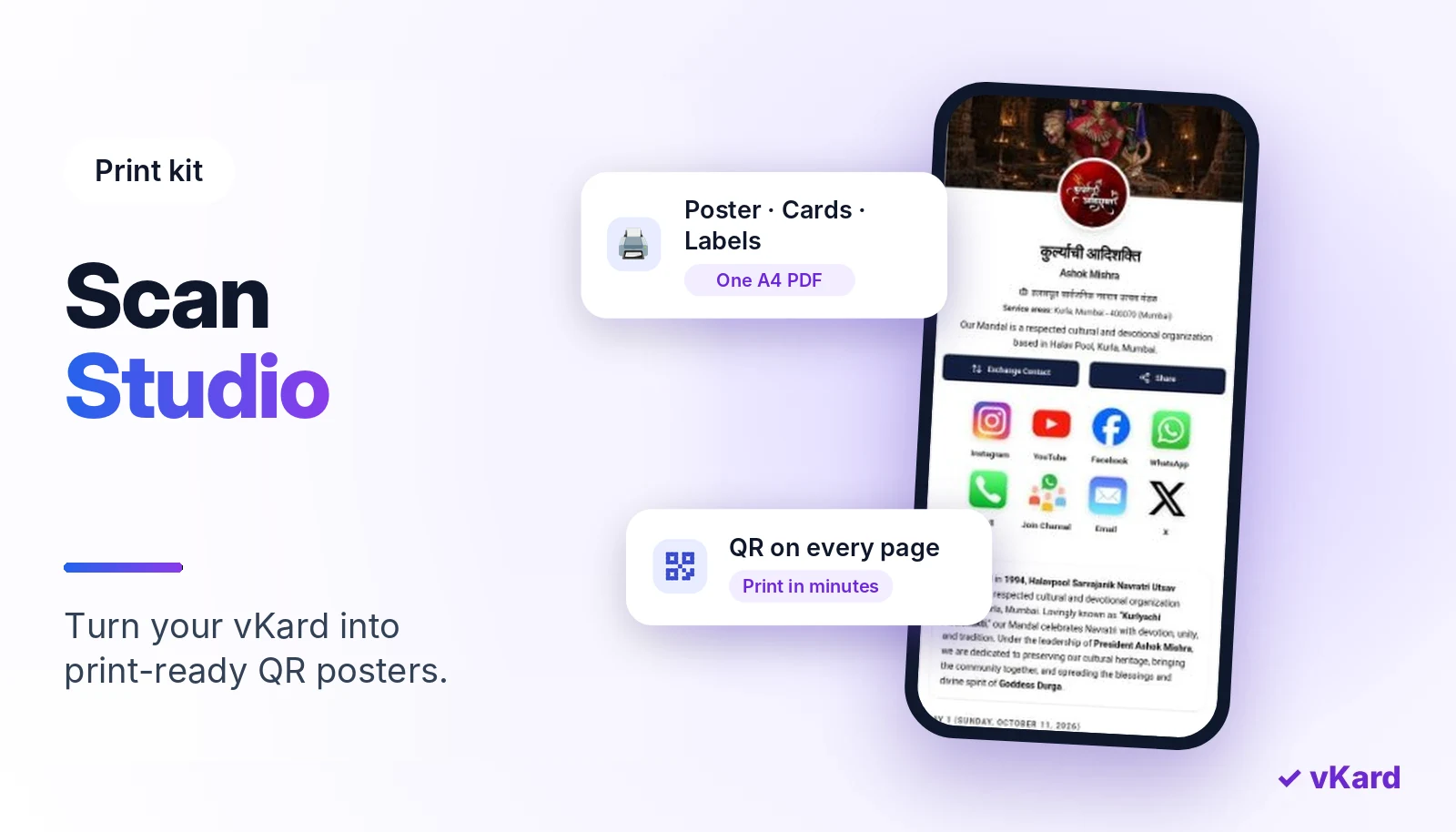
Turn your vKard into a poster, counter signs and labels in one PDF.
- Scan Studio
- Print Kit
- QR Poster
- Counter Signs
- QR Code Stand
- Print QR Code
On this page
Scan Studio is a dashboard tool that creates a print-ready kit from your vKard. You pick a design, set the wording and colour, preview it, and download one A4 PDF containing a poster, counter signs and cut-out labels, each carrying your profile QR code so customers can scan and connect.
What is in the PDF
One download produces a three-page A4 PDF, so you can print everything together or only the pages you need.
- Poster: a full-page A4 poster for a wall, door or window.
- Counter signs: four signs on one A4 sheet with dashed cut lines, for tables and reception desks.
- Cut-out labels: a sheet of labels for packaging, brochures or the back of items.
What you can edit
Scan Studio shows a live preview while you change the settings. The preview is a lighter copy; the downloaded PDF is full print quality.
- Design: Spotlight (colour band, big name and logo) or Classic (white page with a colour frame).
- Profile type: company, service provider, professional or person. vKard suggests one from your profile, and changing it resets the wording to match.
- Text: name, tagline, small label, headline and a short headline for the counter signs.
- Logo or photo: show or hide your image.
- Actions to show: tick the actions printed on the poster, such as Call, WhatsApp, Save Contact, Directions, Services or Website. Only actions your profile really has are offered.
Colour, branding and plans
Scan Studio is included on paid plans and is not part of Free. Each plan has a monthly download allowance that restarts every calendar month; the remaining count is shown inside Scan Studio and Pricing lists what each plan includes.
By default the kit uses the vKard colour and carries a Powered by vKard line. Higher plans can use your own profile colour or a custom colour, and the highest plans can opt in to remove the Powered by vKard line.
Works in your language
The kit is drawn in your browser, so names in Hindi, Gujarati and other Indian scripts are shaped correctly. Nothing is stored on vKard; only the download count is recorded for your plan allowance.
Open it and print well
Open your dashboard, choose the profile, and select Scan Studio. Print at actual size without scaling, and scan the printed QR on two or three phones before you print a large batch.
Frequently asked questions
- Is Scan Studio available on the Free plan?
- No. Scan Studio is part of paid plans. Check Pricing to see what each plan includes.
- Does each download count against my allowance?
- Yes. Each Print Kit download counts once for the calendar month, and the remaining count is shown inside Scan Studio.
- Will my printed QR stop working if I change my handle?
- No. The old link redirects to your new handle, so printed material keeps working.
Related
Ready to try it?
Create your free vKard or find more answers in the FAQ.
Last updated 2026-10-25.