
Feature
Share: send your digital identity everywhere
Share one professional profile across WhatsApp, social media, email and QR codes.
- Profile Sharing
- WhatsApp Sharing
- Social Sharing
- Shareable Profile
- Digital Networking
- Share Profile Link
- Link Sharing
- Social Media Links
- Contact Sharing
On this page
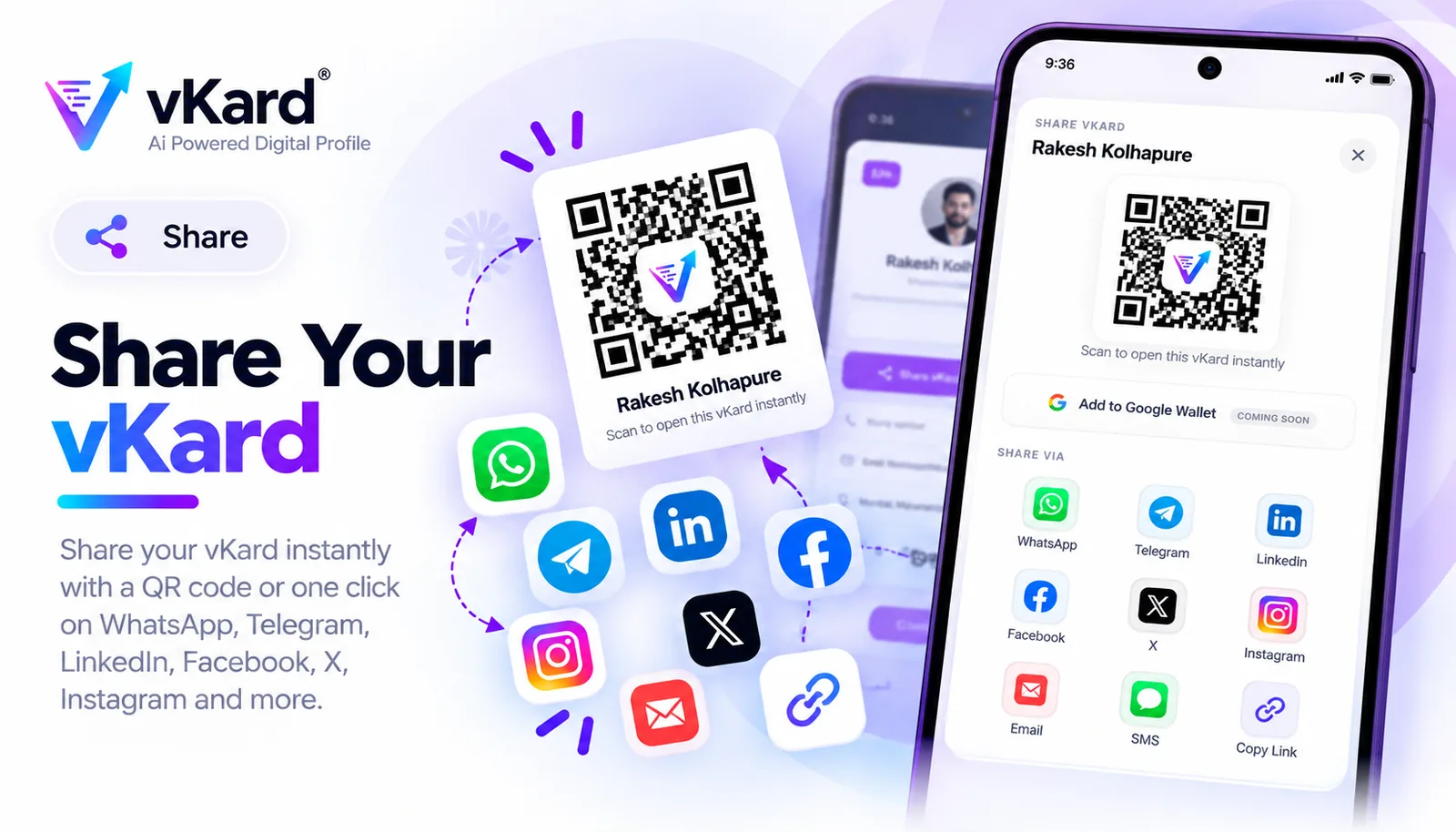
vKard Share lets you send your digital profile with a QR code or one tap through WhatsApp, Telegram, LinkedIn, Facebook, X, Instagram, email, SMS or a copied link. One profile replaces repeatedly sending your phone number, email, website and social accounts separately.
What the visitor experiences
Visitors open the profile in their browser and immediately explore your information and available actions, with nothing to install.
When to use it
Share is useful for networking events, business meetings, conferences, exhibitions, sales conversations, customer enquiries and everyday professional introductions.
The same profile can be used across multiple channels without maintaining different versions of your professional information. Update your profile once and the shared destination remains your central source of information.
Frequently asked questions
- How can I share my vKard?
- Show the QR code, or share through WhatsApp, Telegram, LinkedIn, Facebook, X, Instagram, email, SMS or by copying your profile link.
- Does the other person need an app?
- No. They open your profile in their browser and can explore your information and actions immediately.
- If I update my profile, do I need to share it again?
- No. The shared link always points to your current profile, so updates appear automatically.
Related
Ready to try it?
Create your free vKard or find more answers in the FAQ.
Last updated 2026-11-04.