
Feature
Exchange Contacts without manual follow-up
Let visitors exchange professional contact details directly through your profile.
- Contact Exchange
- Contact Sharing
- Digital Networking
- Save Contact
- Smart Networking
- Contact Management
- Business Networking
- Lead Capture
- Networking Profile
On this page
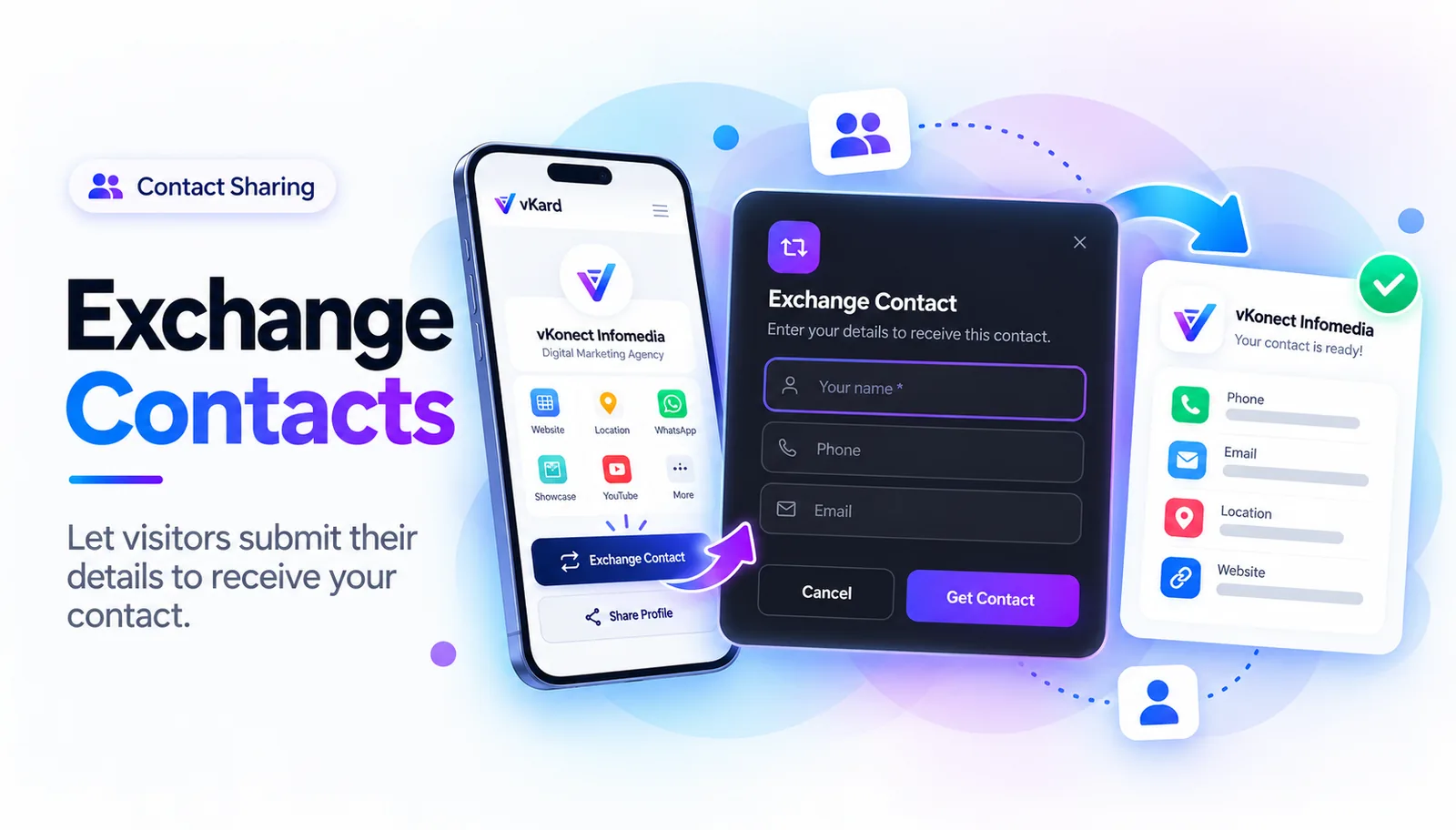
vKard Exchange Contacts lets a visitor enter their name, phone and email on your profile and receive your contact details in return. It replaces handwritten notes and screenshots with a structured digital exchange, and the visitor's details can flow into vKard Leads for follow-up.
What Exchange Contacts does
vKard Exchange Contacts makes professional networking faster and more useful by allowing visitors to exchange their contact information directly through your digital profile. Instead of relying on handwritten details, screenshots or manually entering information later, visitors submit their information through a structured digital experience.
How the exchange works
The workflow is simple: discover the profile, review the information, exchange contacts and continue the relationship.
- The visitor taps Exchange Contact on your profile
- They enter their name (required), phone and email
- They tap Get Contact and your contact details are ready for them to save
When to use it
Your profile becomes the destination where you introduce yourself, share your professional information and allow the other person to connect with you.
- Business meetings and client discussions
- Conferences, exhibitions and networking events
- Sales meetings
- Everyday professional introductions
From contact to lead
When combined with vKard Leads, exchanged visitor information can become a structured business lead for follow-up and CRM workflows.
Frequently asked questions
- What details does a visitor enter?
- The exchange form asks for the visitor's name, which is required, plus their phone number and email.
- What does the visitor receive?
- After submitting, they receive your contact details so they can save them and continue the conversation.
- Does Exchange Contacts create leads?
- Combined with vKard Leads, the information a visitor submits can become a structured lead for follow-up.
Related
Ready to try it?
Create your free vKard or find more answers in the FAQ.
Last updated 2026-11-04.