
Feature
QuickCard QR: save your contact with a single scan
A QR code that puts your details straight into a phone's contacts.
- QuickCard QR
- Contact QR
- Save Contact
- vCard QR
- QR Code Digital profile
On this page
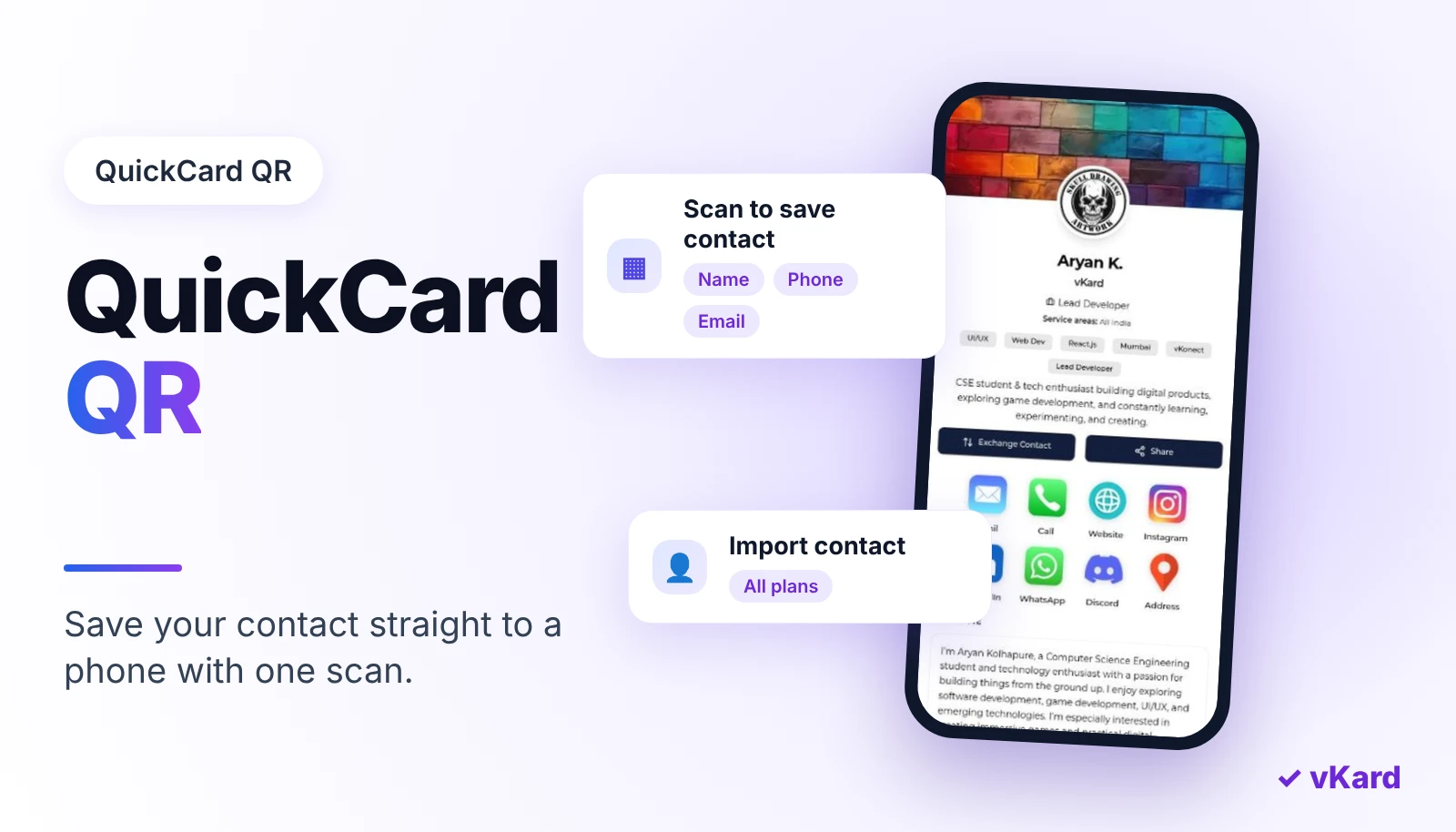
QuickCard QR is a second QR code in the vKard Share menu that holds your essential contact details. When someone scans it, their phone offers to save you as a contact straight away, without opening a web page. It is included on all plans, including Free.
Profile QR vs QuickCard QR
Your Share menu offers two QR codes that do different jobs.
- Profile QR: opens your full vKard profile in the browser. On paid plans vKard counts these scans.
- QuickCard QR: carries your name, phone, email, address, company, title and profile link, so the phone offers Import contact immediately.
Why it is intentionally small
The QuickCard QR holds only the essentials. Every extra detail would make the code denser and harder to scan, so vKard deliberately leaves out photos, bios and extra links. The code uses a distinctive fragmented square style that remains a standard, fully scannable QR code.
How it is tracked
A scan happens on the phone, so no website can count it. vKard does count taps on the profile link saved inside the contact, so you can see when people come back to your profile from their address book.
Using it
Turn on QuickCard in the builder, open Share and choose the QuickCard QR. Download it as a PNG to print on a desk sign, banner or the back of a paper contact slip.
Frequently asked questions
- Is QuickCard QR free?
- Yes. QuickCard QR is available on all plans, including Free.
- Why does the QuickCard QR not show scan counts?
- The scan happens on the visitor's phone without opening a vKard page, so it cannot be counted. vKard counts taps on the profile link saved in the contact instead.
- Can I print it?
- Yes. Download the QR as an image from the Share menu and print it. The profile link inside the saved contact always points to your current profile.
Related
Ready to try it?
Create your free vKard or find more answers in the FAQ.
Last updated 2026-10-25.