
Feature
SEO controls: decide how your profile appears in search
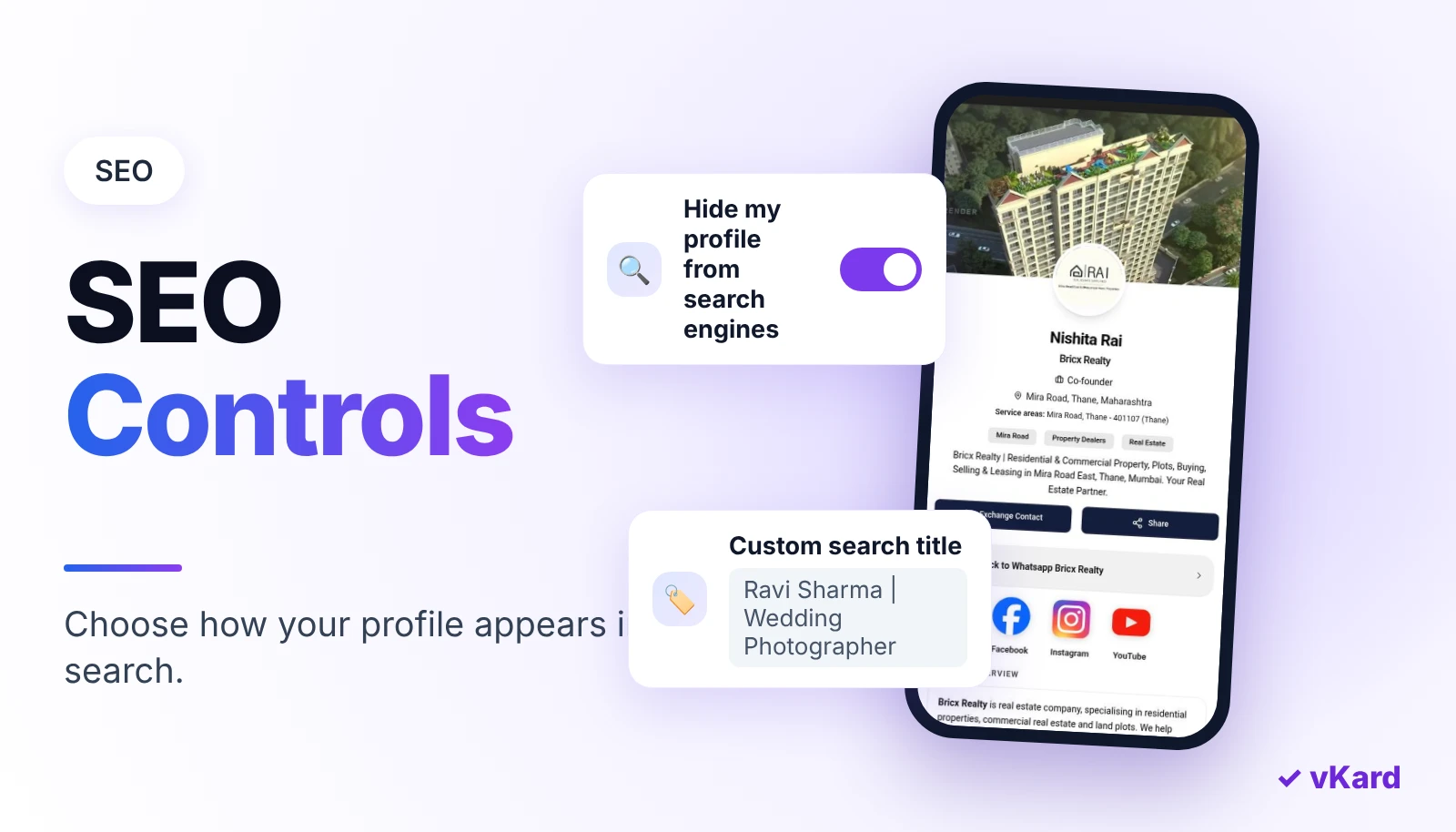
Hide your profile from search engines or write your own title, description and share image.
- Profile SEO
- Search Visibility
- Meta Title
- Meta Description
- Share Image
- Structured Data
- Hide From Search
- Local SEO
On this page
The SEO tab in the vKard builder lets you control how your profile appears in search. Every paid plan can ask search engines not to list the profile, and Advanced SEO adds a custom search title, description and share image. vKard also creates structured data automatically from the details you fill in.
Steps
- Open the SEO tab. In the builder, choose the SEO tab from the left-hand menu.
- Choose your settings. Switch on Hide my profile from search engines, or on a plan with Advanced SEO write your own title, description and share image.
- Save the SEO tab. Press Save inside the SEO tab. It has its own Save button, separate from the rest of the builder.
What the SEO tab does
Every published vKard profile is automatically eligible to appear in search engines. The SEO tab gives you control over that listing without needing any technical knowledge.
- Hide my profile from search engines: available on every paid plan
- Custom search title (up to 70 characters), description (up to 200) and share image: plans with Advanced SEO
- A live preview of how your result and your shared link will look
Hiding your profile is a request, not a lock
When you hide your profile, vKard asks search engines not to list the page and removes it from vKard's sitemap. The page is still reachable by anyone who has the link, and pages that were already indexed only drop out after search engines revisit them. For true privacy, do not share the link publicly.
If vKard staff set a profile to noindex for moderation, that always takes priority over your own setting.
What vKard creates for you automatically
Even if you never open the SEO tab, vKard generates a page title and description from your profile, a share preview image for WhatsApp, LinkedIn and X, and structured data that describes you or your business, your FAQ, events, service areas, videos and showcase items.
A more complete profile gives search engines and AI assistants more accurate information. Adding a category, an FAQ section, events and service areas are the quickest ways to improve it.
Changing your handle does not break your links
If you change your handle, the old link permanently redirects to the new one, so shared links, printed QR codes and existing search results keep working. vKard keeps up to five previous handles per profile as redirects.
Frequently asked questions
- Can I hide my vKard profile from Google?
- Yes, on every paid plan. Switch on Hide my profile from search engines in the SEO tab. It asks search engines not to list the page, but anyone with your link can still open it.
- Will a custom title guarantee a better ranking?
- No. A clear title and description can make your result easier to understand and click, but vKard cannot guarantee ranking or indexing by any search engine.
- Why did my SEO changes not save?
- The SEO tab has its own Save button. Press Save inside the tab after making changes, because the builder's main Save does not cover it.
Related
Ready to try it?
Create your free vKard or find more answers in the FAQ.
Last updated 2026-10-25.