
Feature
Categories: help people and search engines understand you
Pick the category that fits and add details specific to your profession.
- Categories
- Business Category
- Schema.org
- Profile Type
- Category Details
- Structured Data
On this page
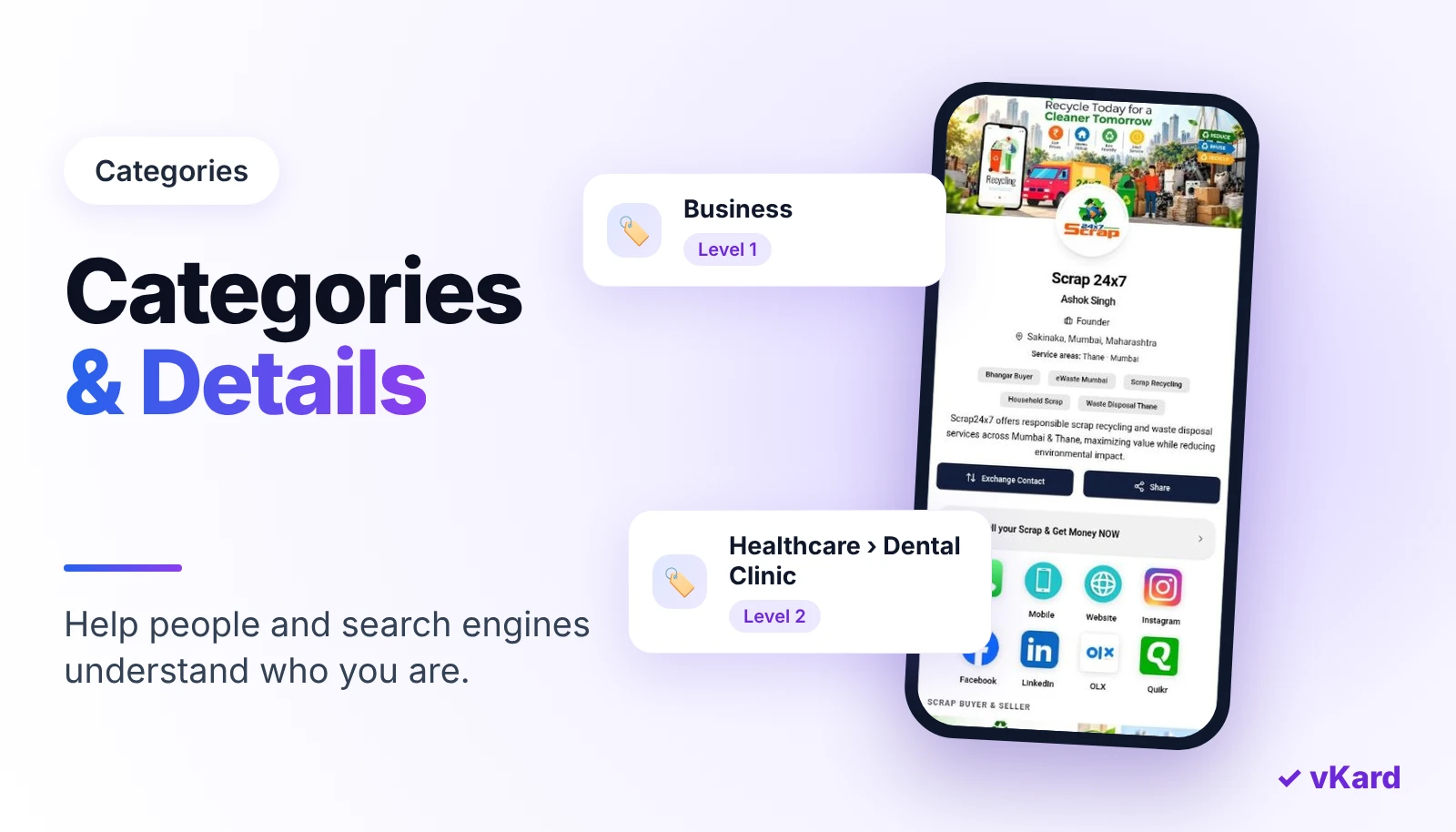
Every vKard profile belongs to a category, such as Person, Business, Organization, Government, Educational Institution or Community, each with more specific sub-categories. The category tells search engines what you are, shapes how your profile leads, and on higher plans unlocks extra details that fit your profession.
How the category tree works
There are six fixed top-level groups. Below them are two more levels of increasingly specific categories, managed by vKard and mapped to Schema.org types, the shared vocabulary search engines use to describe people and organizations.
You search or browse the tree in the builder's Category tab and pick the closest match. The number of categories a profile can be listed in depends on your plan.
Person-first or organization-first
Your category decides how your profile leads. A professional such as a consultant leads with their own name and role. A business or institution leads with the organization name. You never have to configure this; it follows from the category you choose.
Category-specific details
On plans that include them, the builder asks for extra facts that fit your category, for example a medical specialty for a doctor or a price range for a restaurant. These are published as structured data so search engines can describe you more accurately. They do not guarantee any ranking.
Changing categories
You can remove a category at any time. Adding categories is limited to once every 30 days, which keeps listings stable and accurate. Choose carefully the first time, and use the most specific category that really applies.
Frequently asked questions
- Can I be in more than one category?
- Yes, if your plan allows it. The number of categories per profile depends on the plan, and higher plans allow more.
- Why can I not add a category right now?
- Adding categories is limited to once every 30 days. Removing categories is never limited.
- What if my profession is not listed?
- Choose the closest, most specific category. If an important category is missing, contact support so the team can consider adding it.
Related
Ready to try it?
Create your free vKard or find more answers in the FAQ.
Last updated 2026-10-25.