
Feature
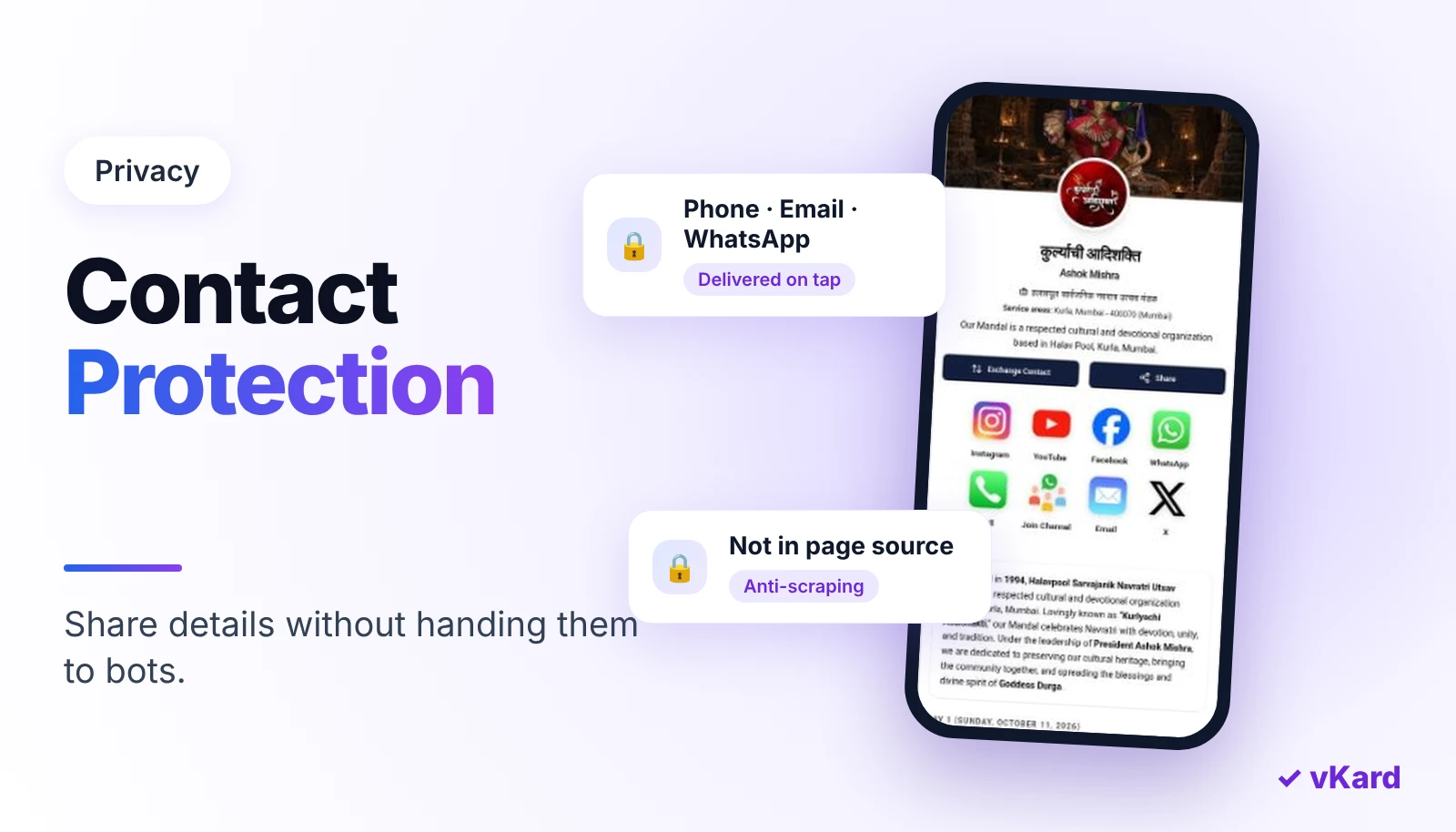
Contact protection: share details without handing them to bots
Your phone number and email are delivered on tap, not printed in the page.
- Contact Protection
- Anti Scraping
- Privacy
- Spam Protection
- Secure Profile
On this page
vKard contact protection keeps your phone number, email and messaging links out of the public page's source code. Details are delivered only when a visitor taps a button, so bots cannot harvest them in bulk. It cannot stop a person taking a screenshot of what they are shown.
What is protected
Contact methods that attract spam are protected by default.
- Email, call, mobile and text links
- WhatsApp and WhatsApp Business
- Telegram, Signal, Skype, Viber and WeChat
How it works
The public page contains only a redirect path for each protected link. The real number or address is delivered when a visitor taps the button. On desktop, a popup can show the detail as an image with no selectable text, so it is not copied by simple scripts.
What it cannot do
No website can prevent a person from taking a screenshot, and anyone you give your number to can keep it. Share only the contact methods you are comfortable with visitors having.
More privacy controls
Your address is hidden unless you switch it on, you can publish only your locality, city and state, and you decide whether your address and birth year are included in the contact file visitors save. You can also hide your profile from search engines on paid plans.
Frequently asked questions
- Can visitors still call me?
- Yes. A visitor taps Call or WhatsApp and the contact is delivered to them. The protection only prevents bulk collection by automated tools.
- Can I turn protection off?
- Protection is built in and applies to all protected contact methods on every public profile.
- Is my address protected too?
- Your address is only shown if you choose, and you can limit it to locality, city and state.
Related
Ready to try it?
Create your free vKard or find more answers in the FAQ.
Last updated 2026-10-25.