
Feature
CRM and webhook integrations: send leads where you work
Connect HubSpot, Zapier or your own webhook to receive every new lead.
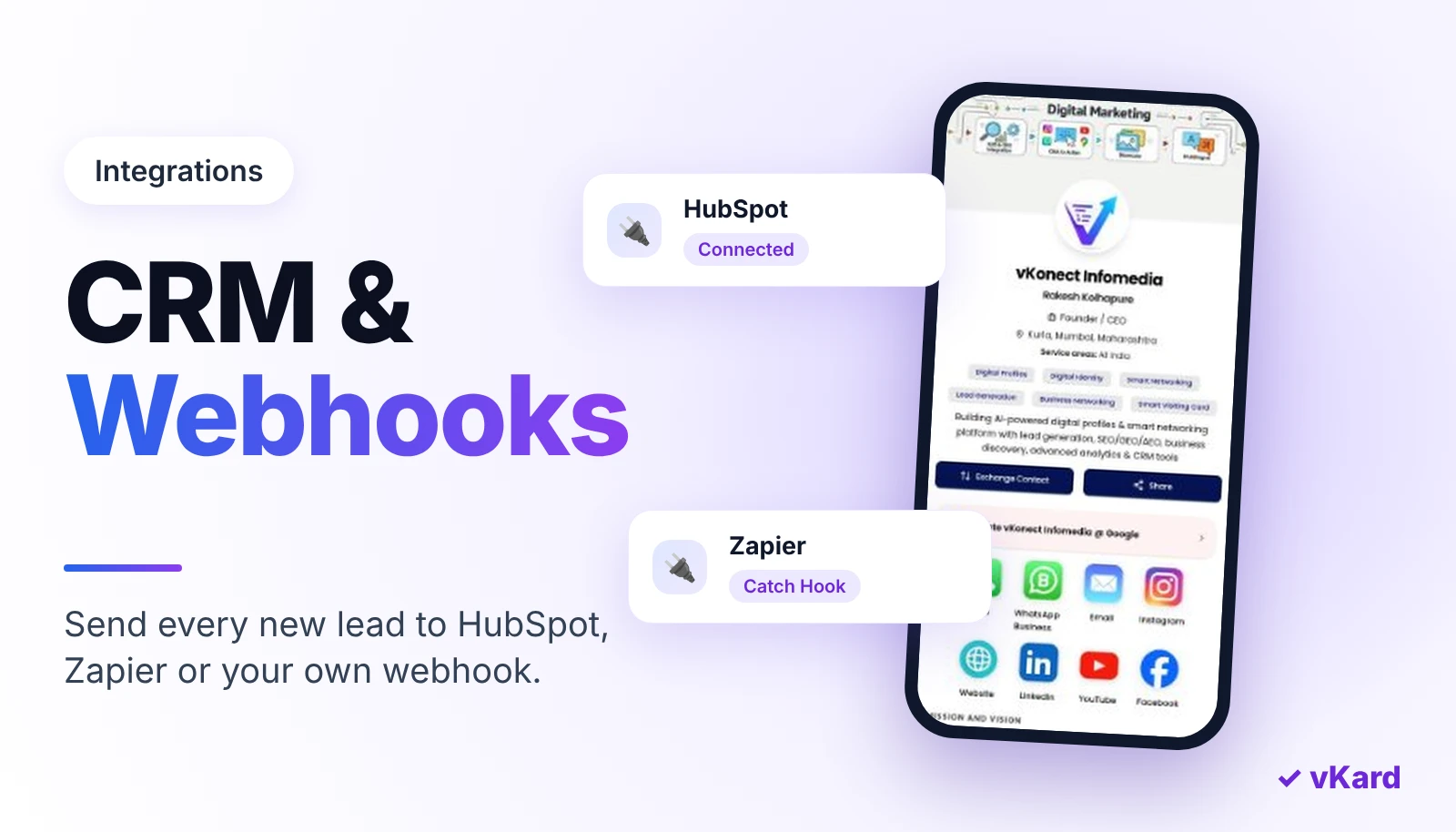
- HubSpot Integration
- Zapier
- Webhooks
- CRM Integration
- Lead Sync
- Lead Automation
On this page
vKard CRM and Webhook Integrations send every new lead to the tools you already use. Connect HubSpot, connect Zapier, or add your own webhook URL from Settings. Requests are signed, a delivery log shows what succeeded, and a slow or failing tool never blocks the visitor.
Steps
- Open Integrations. Go to Settings in your dashboard and choose the Integrations tab.
- Connect a tool. Connect HubSpot, or add a Zapier or custom webhook URL. The connection applies to all of your profiles.
- Send a test. Send a test lead to confirm your tool receives it, then check the delivery log after real leads arrive.
What you can connect
Integrations are available on plans that include CRM and Webhook Integrations, starting from the Plus plan.
- HubSpot: vKard creates or updates the contact in your HubSpot account through a secure sign-in
- Zapier: use Webhooks by Zapier with a Catch Hook, then send the lead to thousands of apps
- Custom webhook: vKard posts each lead as JSON to a URL you control
Signed, safe delivery
If you add a secret to a webhook, every request carries a signature header so your system can verify that it really came from vKard. Requests time out after ten seconds, and addresses that point to private networks are refused.
Never blocks your visitor
Leads are saved in your dashboard first. Delivery to your tools happens afterwards in the background, so a slow or broken endpoint never delays or fails a visitor's Exchange Contact. The delivery log in Settings shows each attempt and any error.
Applies to all your profiles
A connection applies to all of your profiles. If a profile is later downgraded to a plan without integrations, syncing stops for that profile even if the connection still exists.
Frequently asked questions
- Which plans include integrations?
- CRM and Webhook Integrations start on the Plus plan and are included on higher plans. See Pricing for the current plan comparison.
- Does vKard sync old leads?
- Integrations send new leads as they arrive. Leads you already have stay in your vKard dashboard, where you can also export them as a CSV file.
- Can I test before going live?
- Yes. Each connection has a test button that sends a sample lead using the same format and signature as a real delivery.
Related
Ready to try it?
Create your free vKard or find more answers in the FAQ.
Last updated 2026-10-25.