
Guide
How to create your vKard in minutes
- Create Digital profile
- Getting Started
- Profile Builder
- Free Digital Profile
On this page
To create your vKard, sign up with email or Google, verify your email, then choose a handle, a category and a plan. In the builder, fill in your Profile, Content, Category, Showcase, Design, Layout and SEO tabs, then share your link or QR code. Your profile is live once saved.
Steps
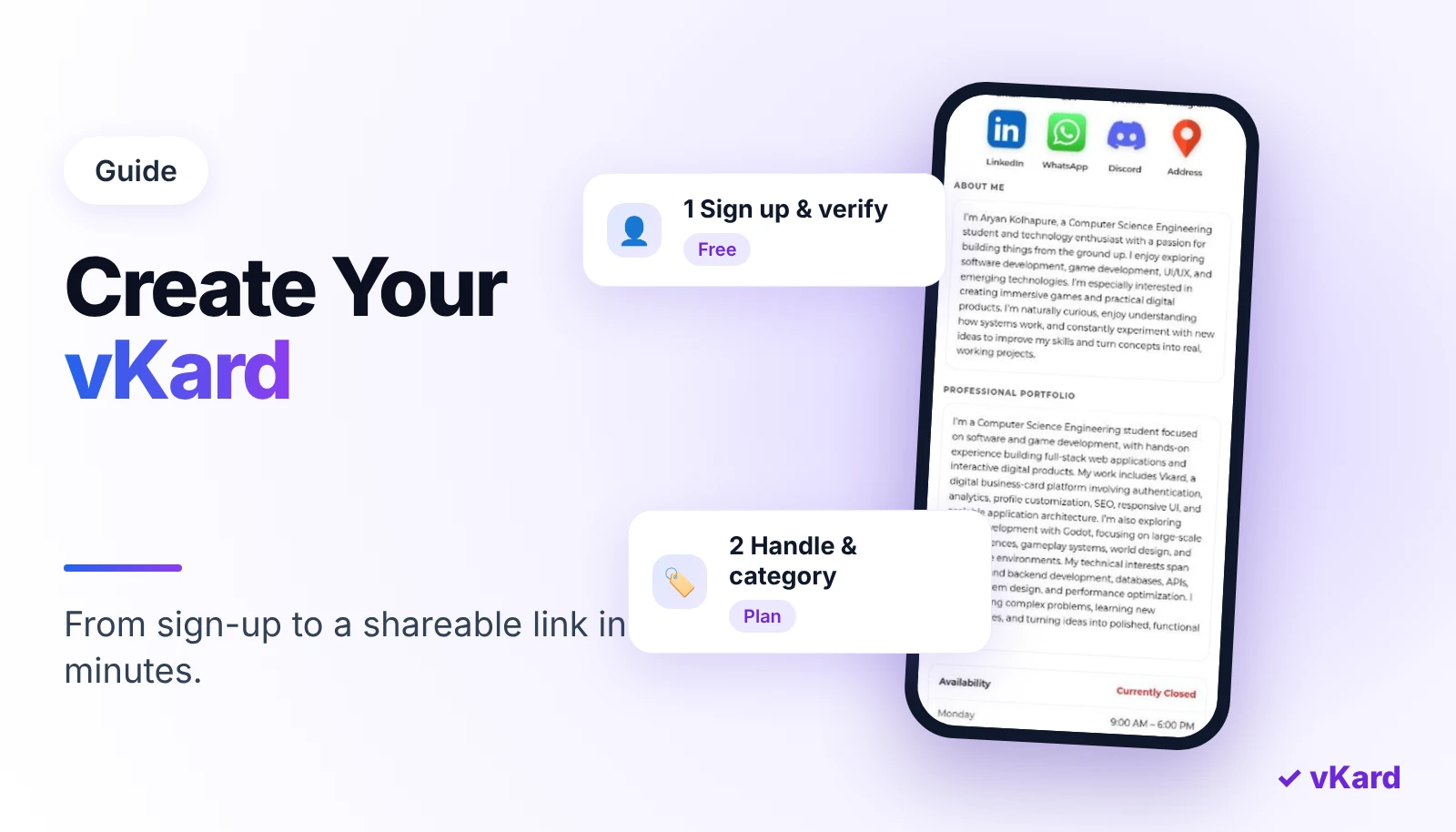
- Sign up and verify. Create a free account with your email or Google, then verify your email address.
- Create your profile. Choose a handle, your category and a plan. The Free plan is available.
- Fill in your profile. Add your name, role, photo, contact links and About Me in the Profile and Content tabs.
- Add depth. Add a category, Showcase items, FAQ, working hours, events and the areas you serve.
- Design it. Apply a colour preset, choose fonts and arrange sections in the Design and Layout tabs on paid plans.
- Share. Open Share to copy your link, download your QR code or send it on WhatsApp.
What each builder tab is for
The builder is organised so you can finish the essentials first and refine later.
- Profile: name, role, company, photo, cover, tags and contact details
- Content: links, About Me, working hours, downloads, FAQ, events, map and video
- Category: where your profile is listed, plus category-specific details
- Showcase: portfolio-style blocks for work, products or services
- Design and Layout: colours, fonts, icons, backgrounds and section order
- SEO: how your profile appears in search
Tips for a profile people act on
Lead with one clear line about what you do. Add the one or two contact methods you actually want to be reached on. Choose the most specific category. Finish with a QR code on whatever you hand out most often.
After you publish
Your dashboard shows visits and interactions, and any leads that arrive. You can change anything later without changing your link.
Frequently asked questions
- How long does it take to create a vKard?
- You can publish a basic profile in a few minutes. Adding showcase items, events and design takes longer, and you can do it whenever you like.
- Do I need to pay to start?
- No. The Free plan lets you create and publish a profile. Paid plans unlock more customization and lead tools.
- Can I edit my profile after publishing?
- Yes. Changes you save appear immediately at the same link.
Related
Ready to try it?
Create your free vKard or find more answers in the FAQ.
Last updated 2026-10-25.