
Feature
Events: promote webinars, meetups and launches on your profile
List upcoming events with dates, venue and a Join button.
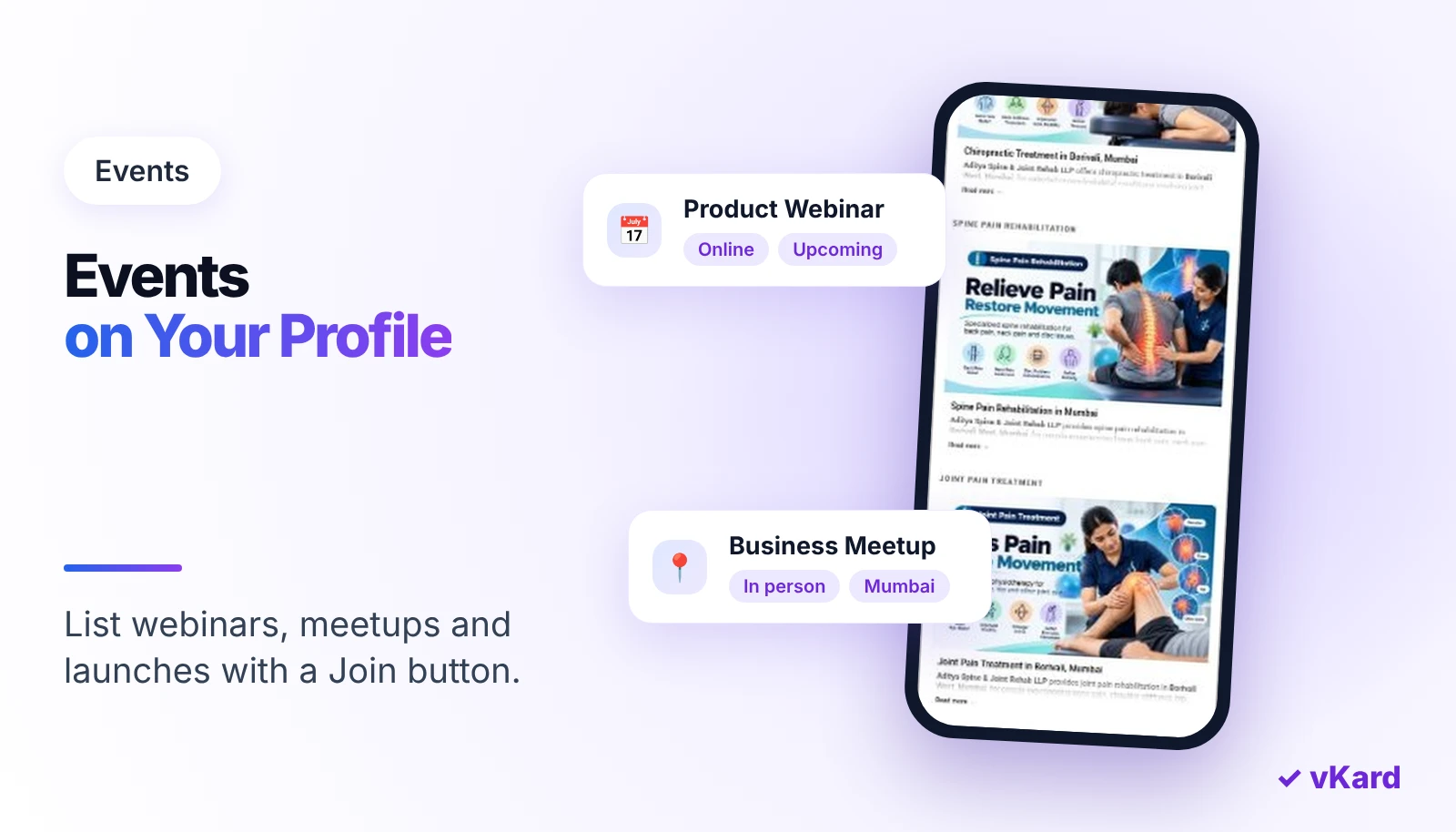
- Events
- Webinar Link
- Event Promotion
- Join Button
- Event Schema
- Profile Events
On this page
The vKard Events section lets you list webinars, meetups, workshops and launches on your profile with a name, date, time, venue or online Join link. Upcoming events appear first, past ones move down automatically, and search engines can read each event as structured data. How many events you can list depends on your plan.
What you can add to an event
Each event is a small panel on your profile with the details a visitor needs to decide whether to attend.
- Event name and start date, with optional start time, end date and end time
- Mode: in person or online
- Venue for in-person events, or a Join link for online events
- A short description of up to 300 characters
Dates, ordering and the plan limit
All dates and times use Indian Standard Time. Upcoming events are listed soonest first and past events are listed most recent first. Your plan sets how many events you can list; if you move to a lower plan, events above the limit stay saved but only the first ones are published.
For safety, venue and description fields cannot contain a phone number or email address.
Why events help discovery
Each published event is described to search engines as structured data, which helps them understand what is happening and when. You can also reorder the Events section on your profile with the Layout Editor.
Frequently asked questions
- Can I add an online event with a link?
- Yes. Choose online as the mode and add a secure https Join link. The Join button shows only while the event is upcoming.
- What happens to past events?
- They move below your upcoming events automatically and the Join button is removed. You can delete them whenever you like.
- Are events available on the Free plan?
- Events are included on paid plans, with higher limits on higher plans. See Pricing for what each plan includes.
Related
Ready to try it?
Create your free vKard or find more answers in the FAQ.
Last updated 2026-10-25.