
Website vs Social Media vs Digital Visiting Card vs Link-in-Bio: What Does Your Business Need?
A website, a social media page, a link-in-bio page and a digital visiting card each do a different job. Here is what each one is best at, how they compare, and which mix fits a shop, clinic, consultant or freelancer.

Rakesh Kolhapure · 6 min read
TL;DR
- Most businesses don't need to pick just one; each option does a different job.
- A website gives control and depth, and social media gives reach and conversation.
- A link-in-bio page lists buttons, while a digital visiting card explains who you are and how to contact you.
- A simple, low-cost start is a digital visiting card plus one social account, and a website can come later.
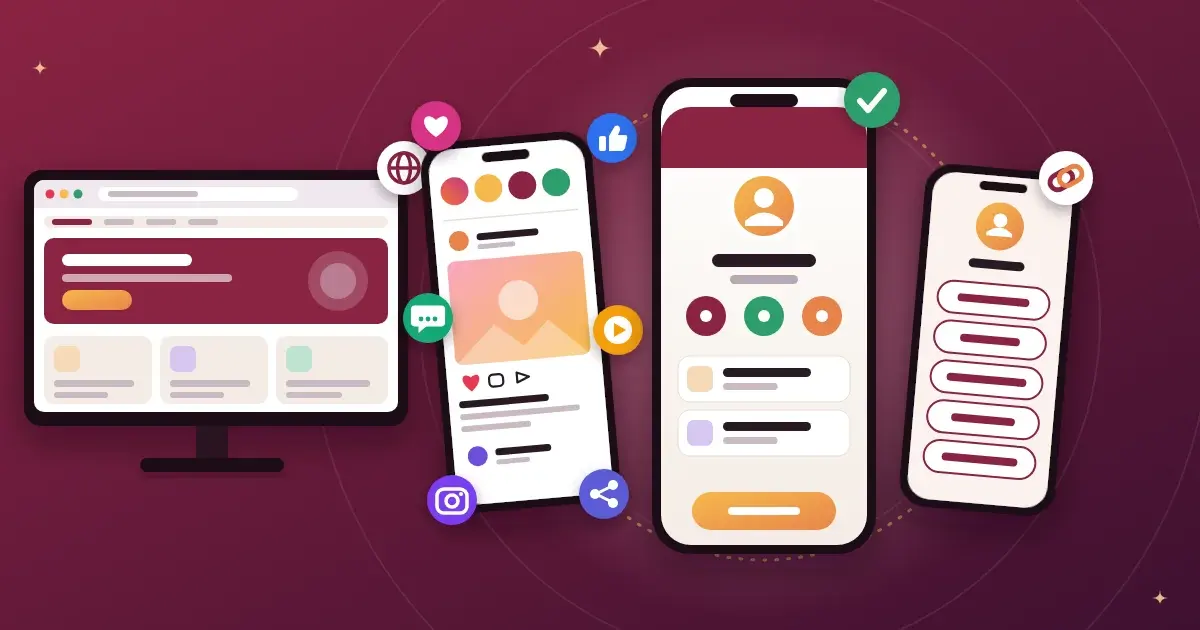
Most small businesses do not need to choose just one. A website gives you control and depth. Social media gives you reach and conversation. A link-in-bio page gives you a tidy list of buttons. A digital visiting card gives you one profile that shows who you are, what you offer and how to contact you. The right mix depends on how your customers find you and what you want them to do next.
This guide explains what each option does best, where it falls short and which combination suits different kinds of business.
Which one do you need?
A quick guide before the detail:
- Just starting, small budget: a digital visiting card plus one social account, and a Google Business Profile if customers search for you by location.
- Selling online or publishing long content: a website, with social media to bring people to it.
- Already busy on Instagram or Facebook: add a profile as the one link in your bio, so followers can reach you in a tap.
- Meeting people in person: a digital visiting card with a QR code, since there is nothing to type.
What does each option do best?
A website
A website is your own address on the internet. You control the design, the content, the payments and the data.
- Best for: depth, your own domain, online payments, long articles, case studies and anything that needs a full page.
- Trade-offs: it takes time and money to build and keep updated, and people still need a reason to visit.
Social media
Social platforms are where people already spend time, so they are good for reach, conversation and showing your work.
- Best for: photos and videos, community, reviews, offers and staying in touch with customers.
- Trade-offs: you are using space owned by someone else. Rules and reach can change, and useful details such as hours, prices and contact numbers get buried in older posts.
A link-in-bio page
A link-in-bio page turns the single link allowed in a social bio into a list of buttons.
- Best for: sending followers to several places quickly, such as your shop, menu and latest offer.
- Trade-offs: it is usually just a list of links. It rarely explains who you are, where you work or when you are open, so there is little for visitors or search engines to understand.
A digital visiting card
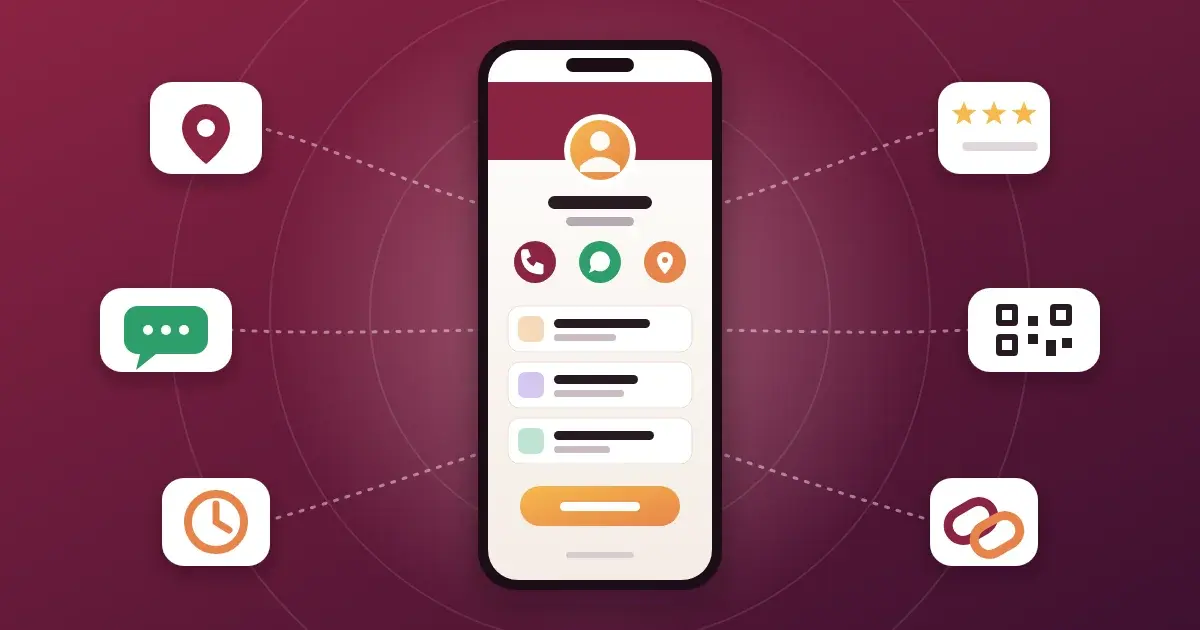
A digital visiting card is an online profile shared by link or QR code. It collects your name, services, hours, location and contact buttons on one page.
- Best for: being found and contacted. It gives you one reliable place to send people, and you update it once.
- Trade-offs: it is lighter than a website. It is not a social network, and it does not run a shop checkout.
How do they compare?
- Setup time: a link-in-bio page or digital visiting card takes minutes to hours. A social page takes an hour or two. A website often takes days or weeks.
- Control: a website gives the most. A digital visiting card gives you control within its sections. Social media gives the least.
- Upkeep: social media needs regular posting. A website needs updates and maintenance. A profile only needs changes when your details change.
- Contact in one tap: a digital visiting card and a link-in-bio page are built for it. On a website or social page, it depends on how it is set up.
- Being found: a website or profile that clearly states who you are and where you work gives search engines more to understand. Social posts can be found, but they are easy to bury.
- Cost: it varies. Social accounts can be free, link-in-bio and profile tools range from free to a small yearly fee, and a website usually costs the most to build and run.
Which fits your business?
- A neighbourhood shop: a digital visiting card with hours, map and WhatsApp button, plus a Google Business Profile. A website can wait.
- A solo consultant: a profile for introductions and a LinkedIn page. Add a website when you have case studies to publish.
- A clinic: a profile with timings, location and how to book. Add a website if you have several doctors or online appointments.
- A café or restaurant: a profile with map, hours and a menu download, and Instagram for food photos.
- A freelancer or creator: a portfolio, whether on a website or a profile showcase, and a link-in-bio for social traffic.
How do they work together?
The strongest setups use each tool for what it does best. Treat your profile as the hub:
- Your profile states who you are, what you offer and how to reach you.
- It links out to your website, social pages and WhatsApp.
- Your social accounts and ads send people to it.
- Your counter, invoices and email signature carry its link or QR code.
This way, people get the same, current details wherever they find you. For ideas on where to place your link, see our guide to sharing a digital visiting card.
Where does vKard fit?
vKard creates a digital visiting card: a public profile with its own link and QR code. You can add your description, services, hours, map and one-tap buttons for call, WhatsApp and email.
The Free plan is permanent and includes a public profile, your link, a QuickCard QR (one scan offers to save your contact) and basic analytics. Paid plans add your own design, action buttons, an FAQ section, a Showcase for services or products, and tools to capture and follow up enquiries. See the features and pricing.
To be clear about the limits: a vKard is not a full website and does not take payments, and it is not a social network. It works best as the central profile that those tools point to.
What mistakes should you avoid?
- Treating a social page as your only home, with details buried in old posts.
- Using different phone numbers or hours on different platforms.
- Building a website and never updating it.
- Packing a link-in-bio page with 15 buttons and no explanation.
- Waiting for the perfect website before getting online at all.
Where should you start?
Start with the quickest thing that makes you easy to find and contact. For most small businesses, that is a digital visiting card, and you can add a website or more social channels as you grow.
If you are new to this topic, read why every business needs a digital identity and what an AI-powered digital profile is. Ready to begin? Create your free vKard, or see real examples in the Gallery.
Frequently asked questions
Not always. Many small businesses start with social media and a simple profile. A website helps when you need payments, long content or more control.
For many small businesses, it covers the basics: who you are, what you offer, where you are and how to contact you. If you need online payments or a large amount of content, you may still want a website.
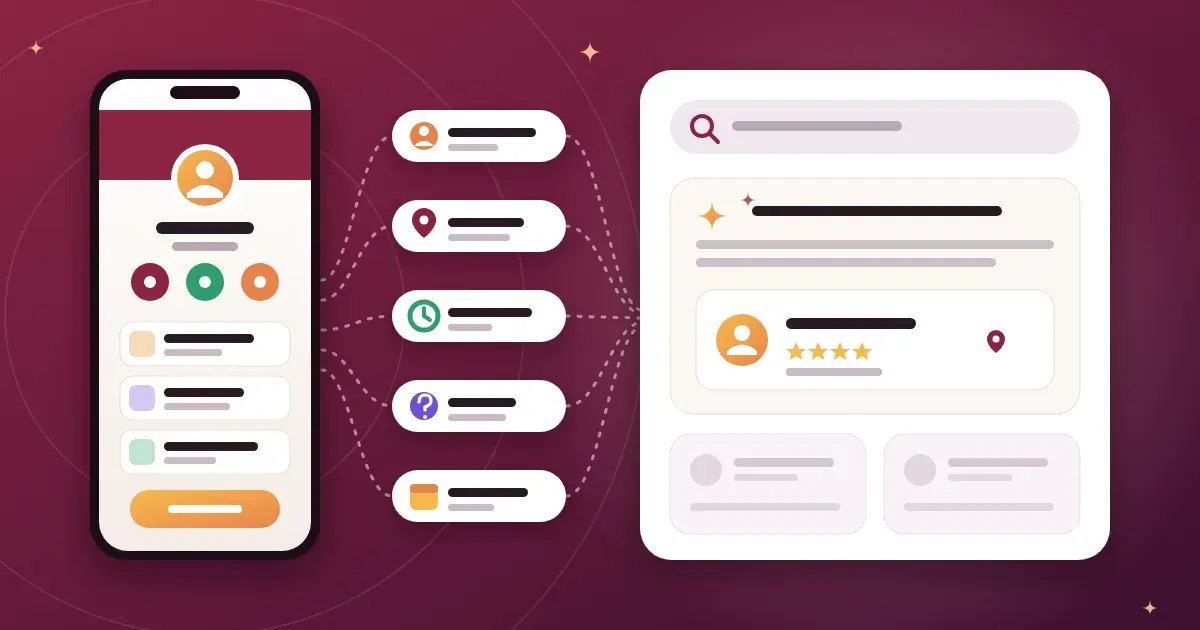
A link-in-bio page is mainly a list of buttons. A digital visiting card describes your business, with details such as services, hours and location, and can also include contact buttons and a QR code.
Social accounts and a free digital visiting card cost nothing to begin with. A website usually costs more to build and maintain.
Yes. A common approach is to make your profile the hub and link it to your website, social pages and WhatsApp.
Share this post
 WhatsApp
 LinkedIn
 X
 Facebook
 Email
Written by
Founder & CEO of vKonect Infomedia, the company behind vKard — an AI-powered digital profile and smart networking platform. He writes about digital identity, online visibility and business growth.
Keep reading
 Digital Identity
What Is an AI-Powered Digital Profile? How It Differs from a Link Page or a Website
Rakesh Kolhapure
An AI-powered digital profile is an online profile built so that search engines and AI assistants can understand it, not just people. Here is what it is, how it differs from a link page or a website, and how to set yours up.
5 min read
 Digital Identity
Why Every Business in India Needs a Digital Identity (and How to Build One in a Day)
Rakesh Kolhapure
Your digital identity is the one place customers check to see who you are, what you offer and how to reach you. Here is why every Indian business needs one, what it should include, and how to set yours up in a day.
6 min read
Ready to create your digital visiting card?
Set up your vKard profile in minutes and share it with one link or QR code.